|
|
|
|
Using Online Help
To get help on using the MatrixOne application
- Click
in the page toolbar of the page you are using.
The Help system opens to the topic that explains the page. If the page is specific to the application you are working in, the Help for that application opens. If the page is general, the AEF Help or Common Components Help opens.
If you don't see the answer to your question, you can probably find it in another section of the help system using one of the navigation options:
- Browse through the Help system.
Click the Next and Previous buttons, located at the top and bottom of every page, to advance sequentially through the help topics.
- Choose a topic from the Table of Contents.
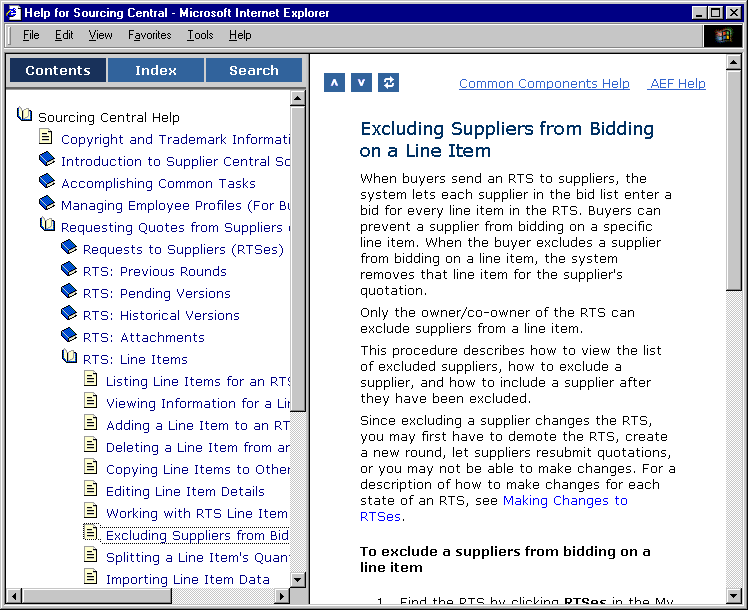
- Click the Contents box on the left side of the help window.
This frame shows the table of contents for the Help system and corresponding user guide.
- To expand the contents, click a closed book.
- To collapse the contents, click an open book.
- To go to a topic listed in the Contents frame, click the topic title.
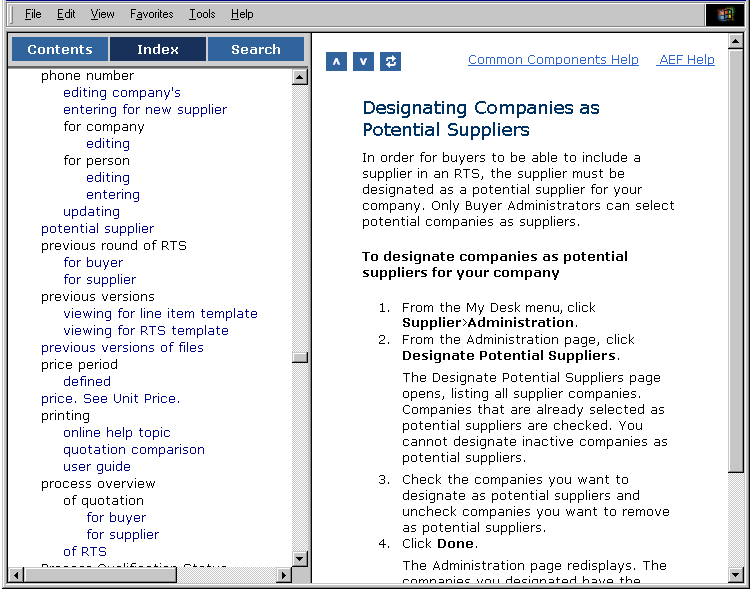
- Choose a keyword from the index list.
- Click the Index box.
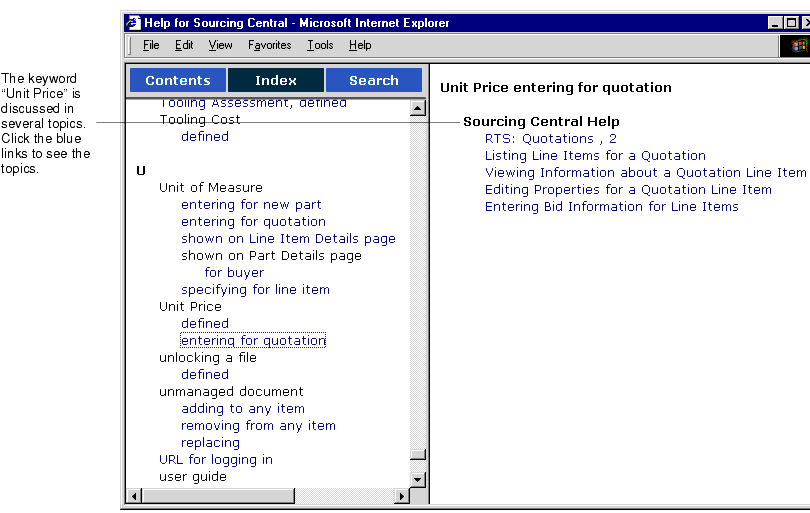
- Scroll to the keyword you are looking for, then click the keyword.
- If more than one section of the guide discusses the keyword, the help system presents multiple links.
- Search for a word or phrase.
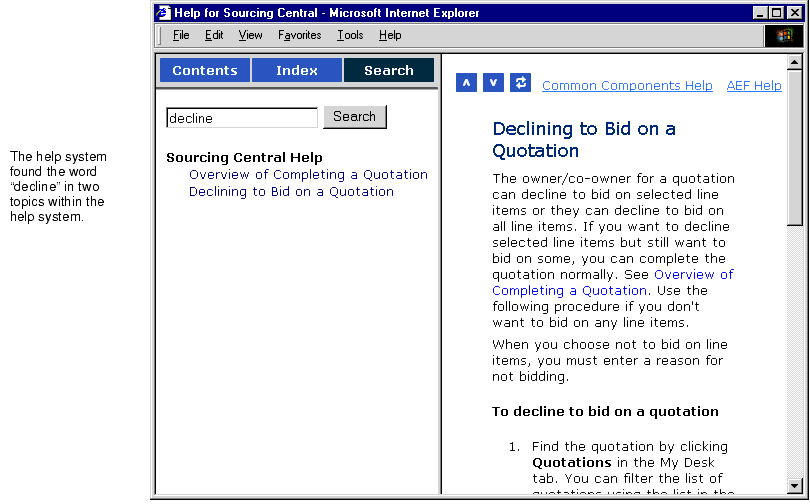
- Click the Search box.
- Type the word or phrase that you want to search for. The search is not case sensitive.
The help system lists the topics that contain the word.
- Click the topic name in the left frame.
- Look in the Common Components or AEF Help.
The top of each help page contains links to Common Components and AEF Help, which contain details about features that are shared by all MatrixOne applications. See the list at the beginning of Using Application Documentation for features that can be found in these books.
|
|
|
|
| Last updated: 04/22/04 17:04:25 |