|
|
|
|
Common Components Help | AEF Help |
Updating a File
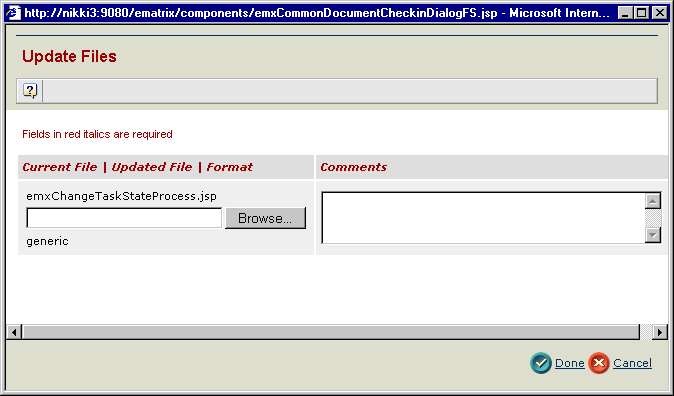
You can update a file and increment its version by selecting a file from your file system.
|
|
|
|
| Last updated: 04/20/04 14:50:29 |
 to update the file or click