Adding Collaboration Partners
To add a collaboration partner
- From the category list of the company, click Collaboration Partners.
- From the Collaboration Partners page, click Add Existing from the page Actions menu to search for and select companies to add as collaboration partners. If the company has not yet been defined in the database, you must first create it. See Creating a Company, Subsidiary, Business Unit, or Department.
- Enter information to refine the search, or accept the defaults to find all companies.
- Click Next.
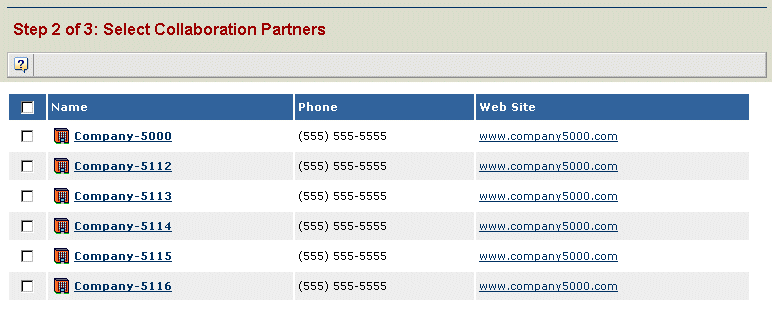
- Click the check box for each company that you want to add as a collaboration partner and click Next.
- On the Specify Share Types page, click the check box for each object type that you want each organization to collaborate on. These types will be allowed to be created in the partner's vault.
- Click Done.
The organizations are added and the Collaboration Partners page is redisplayed showing additions.