Creating a Collection
There are two methods to create collections:
- You can search for objects and add them to a new collection. See Adding Items to a Collection.
- You can create empty collections as a storage place. For example, if you have three projects planned and you want to create collections where items relating to those projects will be stored, you can create the collections objects first and add items as they become available.
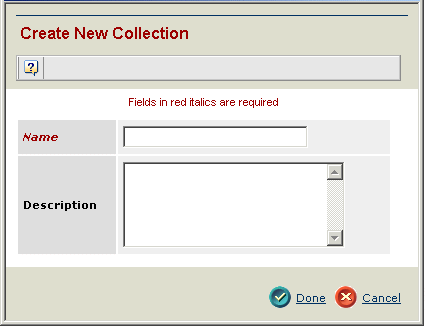
To create a new collection
- From the global toolbar, click My Desk>Collections. This lists all collections you have previously created.
- Click Create New from the page Actions menu.
- Type a Name and Description for the collection. Collection names must be unique.
- Click Done.
The collection is created as an object in the database, even though it has no content. To add items to the collection, see Adding Items to a Collection and Managing a Collection.