Getting More Information about an Item (Using the Context Navigator)
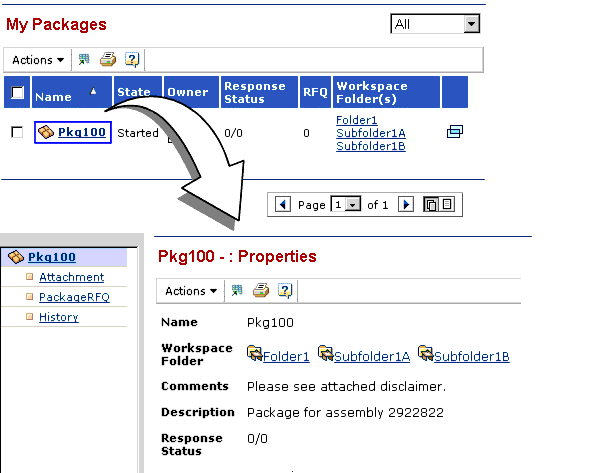
You can drill down to get more information about any item whose name is underlined. The applications display details for the item using the Context Navigator and the page to the right of the Navigator. For example, when you click the name of a package on this My Packages table page, the Context Navigator opens and displays categories of information for the package. Basic Properties for the package are displayed on the right.
This section describes how the Context Navigator works and how to use it to find the information you are looking for: